Strip photo metadata,
on your Mac.
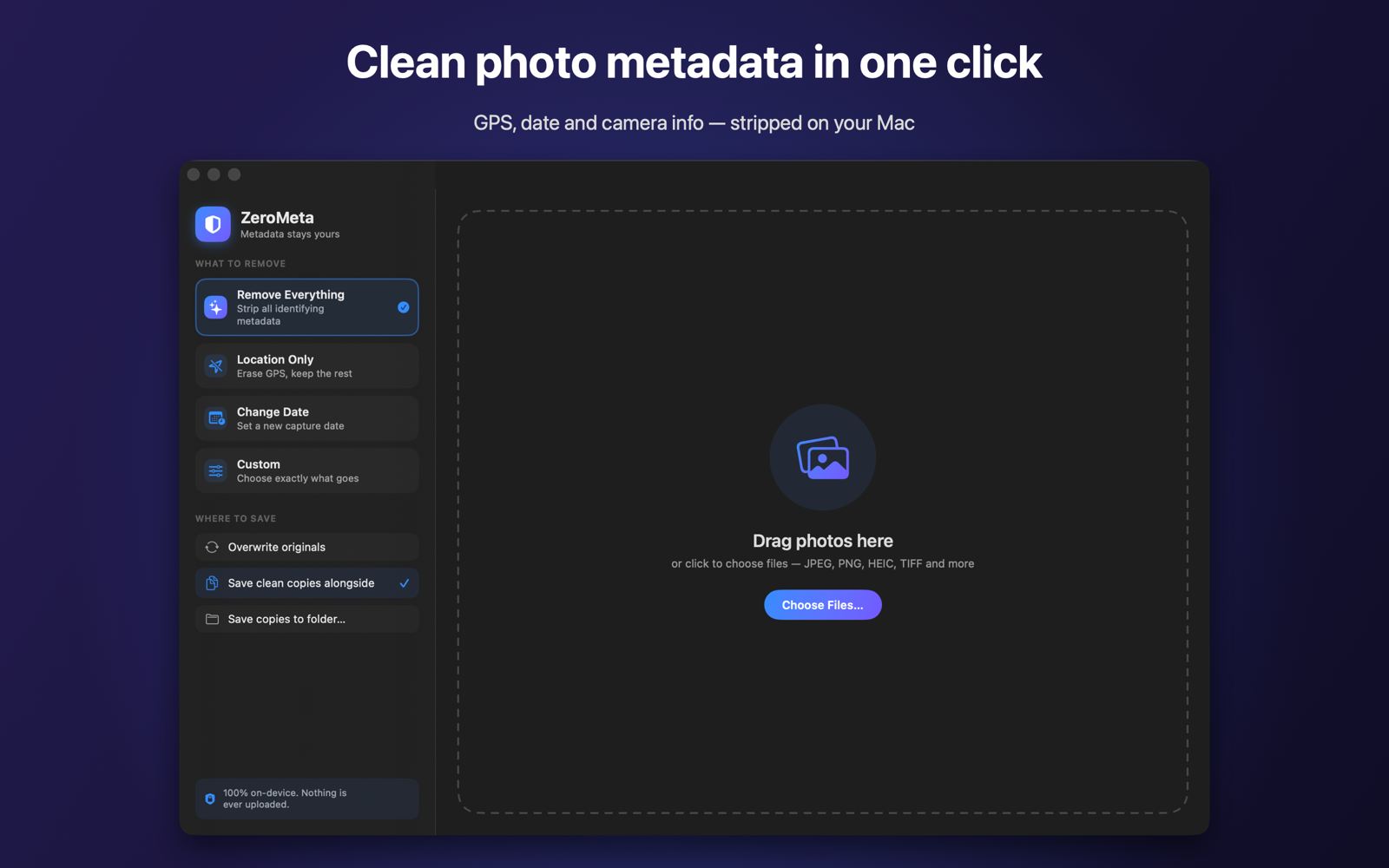
ZeroMeta removes GPS location, capture dates, camera and device details from your photos — locally, losslessly, and without a single byte leaving your machine.
Free on the Mac App Store · Requires macOS 14 or later · Utilities
Why ZeroMeta
Private by design. Lossless by default.
Built to fix what other tools get wrong — no recompression, no command line, no cloud.
Never leaves your Mac
App-sandboxed with no network access whatsoever. Your photos are processed entirely on-device — there's nothing to upload, and nothing is collected.
Zero quality loss
JPEG and HEIC pixels are re-muxed, not re-encoded. Only the metadata is rewritten — the image data is copied bit-for-bit. Orientation is always preserved.
One click
Drop in files or whole folders, pick a mode, and clean. No settings to wrestle, no terminal required.
Remove exactly what you want
Strip everything, just location, or pick precise categories in Custom mode: location, date, camera & device, author & copyright, notes & keywords.
Edit capture dates
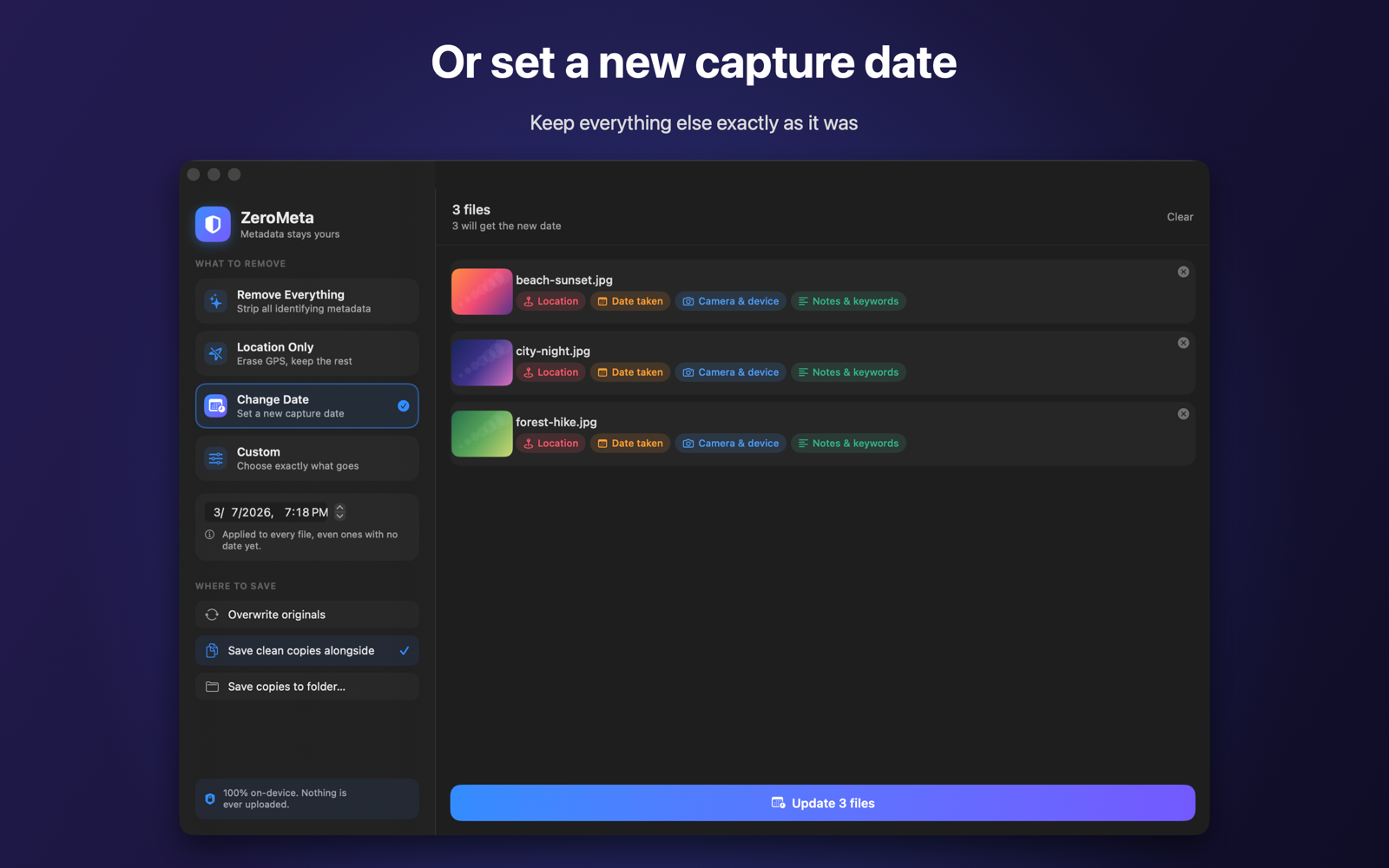
Set a new capture date & time across every file — even ones that never had a date — while leaving everything else untouched.
Safe writes
Cleans to a temp file, then atomically replaces — a failure never corrupts your original. Overwrite, save copies alongside, or export to a folder.
A closer look
See before you clean
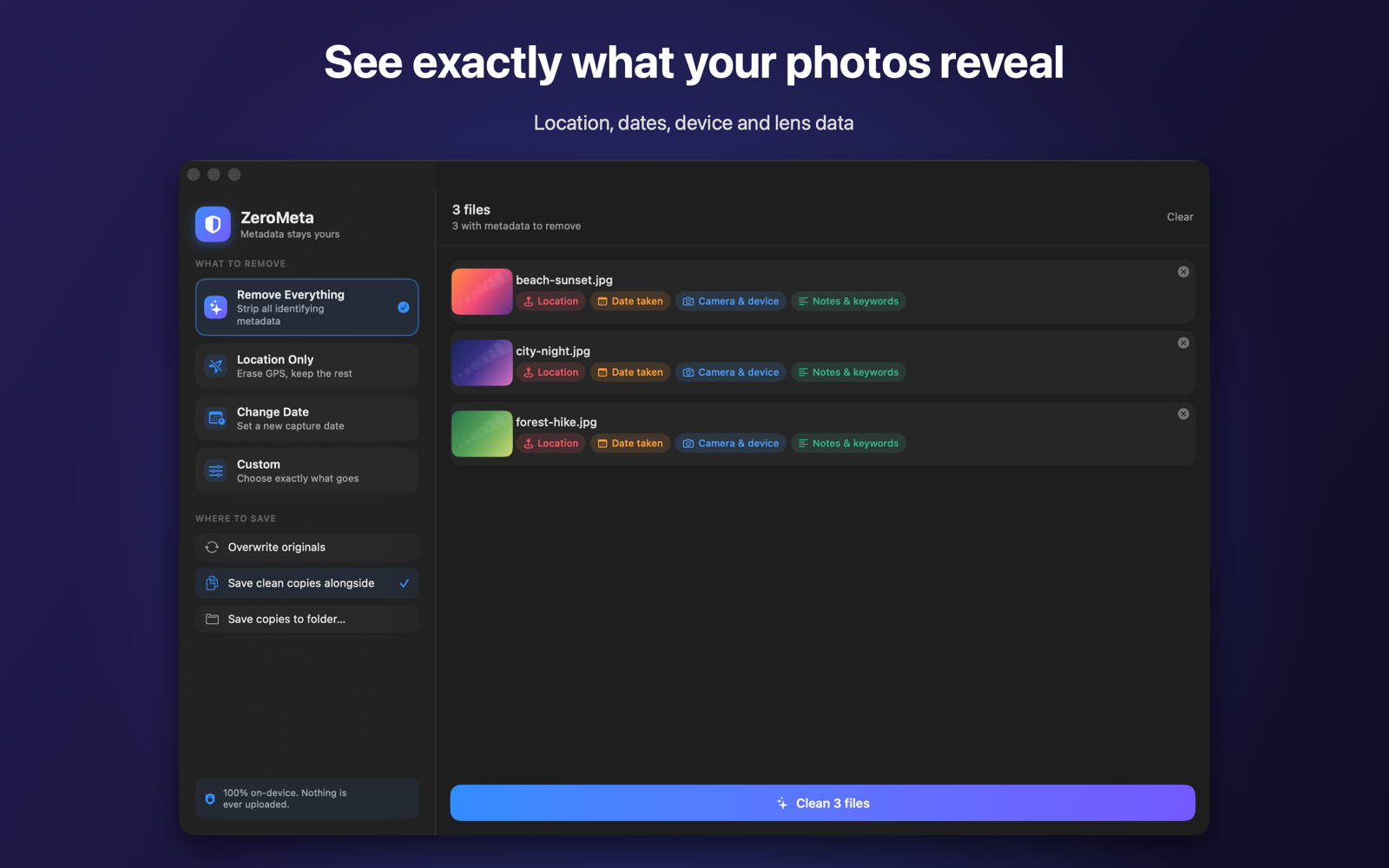
Every file shows exactly which sensitive metadata it contains — before you touch it.
Know what's hidden
GPS coordinates, timestamps, camera model, serial numbers, editing software — ZeroMeta surfaces every sensitive field in each image so you're never guessing what you're removing.
Clean in a click
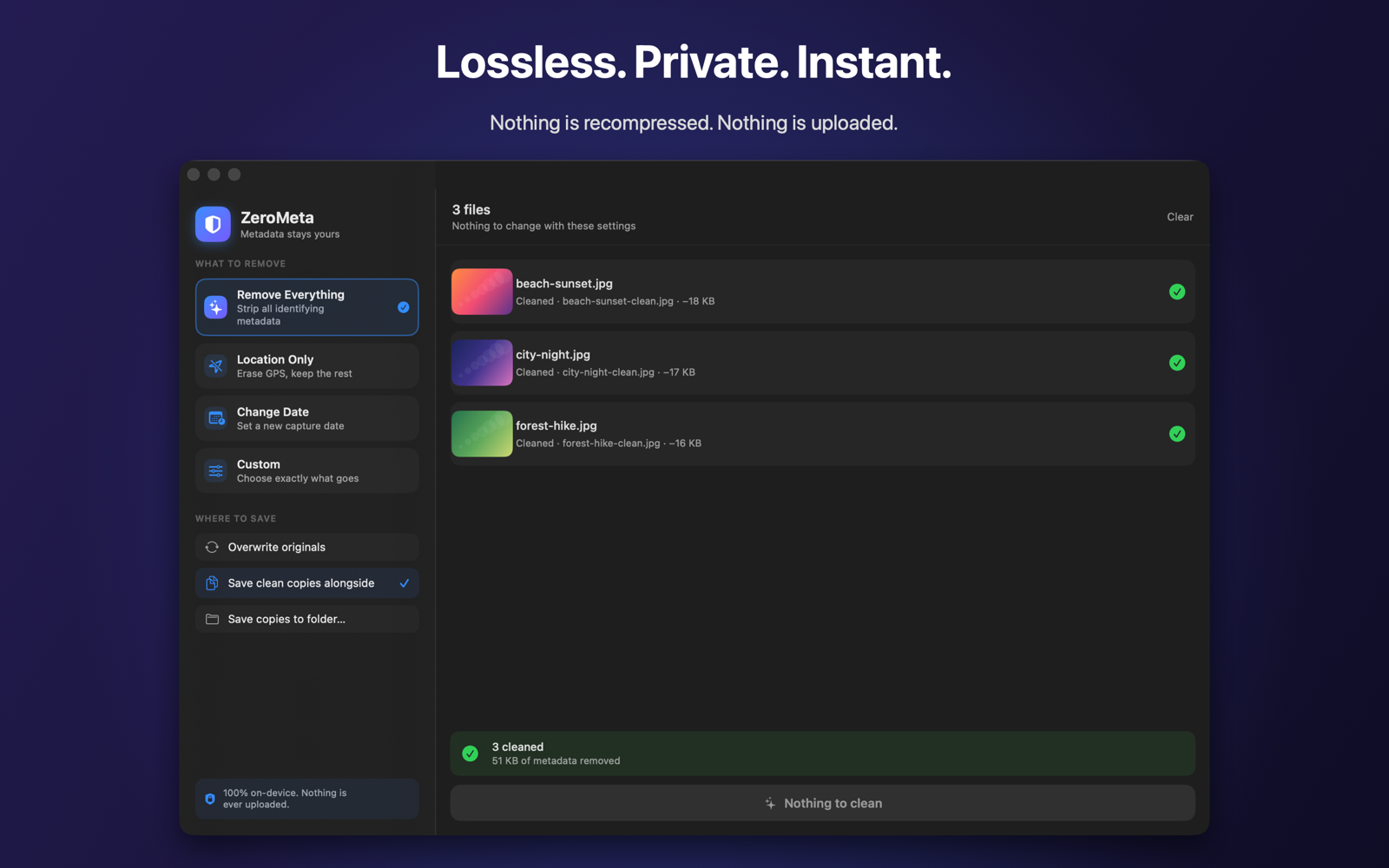
Choose a mode and go. ZeroMeta strips the metadata you selected and leaves your pixels perfectly intact — verified bit-for-bit lossless.
Change the date
Write a capture date and time of your choosing into every file at once — great for scans and photos that lost their original date.
Our promise
We collect nothing. Full stop.
ZeroMeta makes no network calls. There are no analytics, no accounts, no tracking, and no data collection of any kind. The best privacy policy is the one that has nothing to disclose.
Supported formats
Get ZeroMeta
Free on the Mac App Store
Download it, drop in a photo, and the metadata is gone — with the picture itself untouched.

Requires macOS 14 or later · Free · No account needed